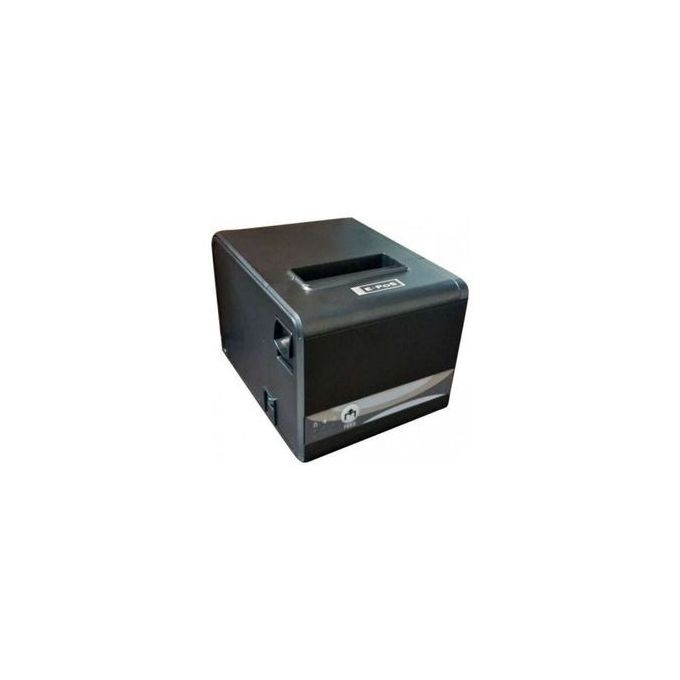
Buy E-POS 80mm Thermal Receipt Printer
M-Pesa checkout · Delivery to all 47 counties · Pickup at Sarit Centre, Nairobi
In stock
Buy E-POS 80mm Thermal Receipt Printer online in Kenya from Stermont Arcade. Pay by M-Pesa and get delivery to all 47 counties.
Order on WhatsAppAdd to Cart / Pay with M-PesaAbout E-POS 80mm Thermal Receipt Printer
Product overview
E-POS 80MM THERMAL RECEIPT PRINTER IN KENYA
The E-POS 80mm Thermal Receipt Printer is a point-of-sale printing device for businesses that need to produce clear transaction receipts at a checkout or service counter. It is intended for use with a compatible POS system and suitable 80mm thermal paper. Thermal receipt printing uses heat-sensitive paper, so the printer can produce text without a conventional ink cartridge or toner. This makes it a practical option for shops and service businesses that print customer receipts throughout the working day.
A PRACTICAL PRINTER FOR BUSY COUNTERS
A receipt printer is an important part of a point-of-sale workflow. After a sale is recorded in compatible POS software, the system can send the transaction details to the printer so the customer receives a printed record. Depending on the software and configuration, receipts may show items purchased, quantities, prices, totals, taxes, payment details and the business information configured in the POS system. The exact receipt layout is controlled by the software, not by the printer alone.
The 80mm paper format provides a wider receipt area than smaller receipt formats. This can be useful where a business needs room for longer item descriptions, several line items or additional transaction information. Confirm the supported paper width and roll dimensions against the actual unit and the paper you intend to buy before ordering.
HOW THERMAL RECEIPT PRINTING WORKS
Direct thermal printers create an image by applying heat to specially coated thermal paper. Because the printing process does not use ink cartridges, businesses do not need to purchase ink or toner for ordinary receipt printing. The paper itself is the consumable. Store thermal rolls in a cool, dry place away from direct sunlight, excess heat and friction, which can affect print quality or cause receipts to darken.
For consistent results, load the roll in the direction indicated by the printer's paper guide, keep the paper path clear and use rolls that meet the printer's stated width and diameter limits. If a receipt prints blank, check that the thermal paper is loaded with its coated side facing the print head. Follow the manufacturer's instructions when opening the cover or clearing a paper jam.
WHERE IT CAN BE USED
An 80mm thermal receipt printer may suit retail shops, supermarkets, mini-markets, pharmacies, restaurants, cafés, salons, repair counters, ticket desks and other businesses that use compatible point-of-sale software. It can support routine checkout operations by giving customers a printed record and helping staff maintain a consistent transaction process. The printer is a peripheral device; it does not independently manage stock, calculate sales or process card and mobile-money payments. Those functions depend on the connected POS software and payment equipment.
CHECK COMPATIBILITY BEFORE PURCHASE
Before buying, confirm the connection type supported by the exact E-POS model, such as USB, Ethernet, serial or wireless connectivity. Do not assume that every connection option is included. Check operating-system support, driver availability and compatibility with your POS application. If the printer is intended for a cash drawer, confirm that the unit has the required cash-drawer port and that the drawer and software use a compatible interface. Also verify the power adapter, plug type, paper-roll dimensions and any cables or accessories included in the package.
SETUP AND EVERYDAY CARE
Install the correct driver or select the printer through the POS software according to the supplier's instructions. Print a test receipt before using the device for live transactions. Keep the printer on a stable, dry counter with enough space for the paper cover to open. Avoid placing liquids, dust or loose objects near the paper feed. Switch off the unit before cleaning or inspecting internal parts, and use only the cleaning method recommended by the manufacturer. Do not scrape the thermal print head with sharp objects.
BUY AN E-POS 80MM THERMAL RECEIPT PRINTER IN KENYA
Order the E-POS 80mm Thermal Receipt Printer from Stermont Arcade for a compatible checkout and point-of-sale setup. It is a useful consideration for Kenyan businesses looking for an 80mm thermal receipt-printing option for everyday sales documentation. Before checkout, confirm the exact model, interface, supported paper-roll size, power requirements and included accessories so that it matches your existing POS equipment. If you are replacing an older receipt printer, compare its connection and driver requirements with your current system to avoid compatibility problems.
More about E-POS 80mm Thermal Receipt Printer
Using the E-POS printer at a checkout counter
The E-POS 80mm Thermal Receipt Printer is designed to print transaction receipts from compatible point-of-sale software. It may suit retail shops, supermarkets, pharmacies, restaurants, cafés, salons, repair counters and service desks that need a printed record after a sale. Depending on the POS application, receipts can show item names, quantities, prices, totals, taxes, payment details and business information. The layout and transaction calculations are controlled by the connected software, not by the printer itself.
Direct thermal printing uses heat-sensitive receipt paper rather than an ink cartridge or toner. The paper roll is therefore the routine consumable. The 80mm format offers a wider receipt area than narrower formats and can be useful for longer item descriptions or multi-line transactions. Confirm the exact roll width, diameter and paper specification supported by the supplied model before purchasing spare rolls.
Compatibility, setup and everyday care
Before ordering, confirm the connection type on the exact E-POS model, driver availability, operating-system support and compatibility with your POS application. Do not assume that USB, Ethernet, serial or wireless options are all included. If you plan to connect a cash drawer, verify that the printer has a compatible drawer port and that the POS software supports the setup. Also check the power adapter, plug type, included cables and any accessories listed by the supplier.
Install the correct driver or select the printer through the POS software, then print a test receipt before using it for live transactions. Load the thermal roll in the direction shown by the paper guide and keep the paper path clear. Store spare rolls away from direct sunlight, heat, moisture and friction. Keep the printer on a stable, dry counter, switch it off before cleaning and follow the manufacturer's instructions for paper jams and print-head care. Ask Stermont Arcade to confirm any unlisted specification before checkout.
Product Uses & Practical Buying Guide
Check the product details, exact model or size and the manufacturer's instructions before use. Confirm that it suits your intended setup and any accessories or compatibility requirements. Ask us on WhatsApp if you need help checking a detail.
Product Price, M-Pesa Checkout & Ordering in Kenya
E-POS 80mm Thermal Receipt Printer costs KSh 17,850 / 1 printer at Stermont Arcade and is in stock. Add it to your cart, pay by M-Pesa and enter the M-Pesa code from your SMS, or order on WhatsApp. Buying in bulk? Message us for a quote.
Delivery to Nairobi & All 47 Counties
Orders to Nairobi usually arrive the same day or the next day, and the other counties usually within 1 to 3 days. We confirm the delivery fee for your location before you pay. Prefer store pickup? Collect at The Sarit Centre, Karuna Road, Westlands, available for confirmed orders by appointment; contact us before visiting. See shipping and Nairobi delivery and pickup.
Buy E-POS 80mm Thermal Receipt Printer in Nairobi, Kiambu, Nakuru, Kisumu, Eldoret & Mombasa
Stermont Arcade delivers to Nairobi, Kiambu, Nakuru, Kisumu, Eldoret, Mombasa and every other county in Kenya. Nairobi orders usually arrive the same day or the next day, and other counties usually within 1 to 3 days.
How to order
- Add the product to your cart, or message us on WhatsApp.
- Pay by M-Pesa and enter the M-Pesa code from your SMS.
- We confirm the delivery fee for your town before you pay, then dispatch your order.
Call +254 748 888 230 or order on WhatsApp.
Frequently asked questions
How can I buy E-POS 80mm Thermal Receipt Printer in Kenya?
Order E-POS 80mm Thermal Receipt Printer online at Stermont Arcade, pay by M-Pesa and get delivery to all 47 counties in Kenya. You can also order on WhatsApp.
Do you deliver E-POS 80mm Thermal Receipt Printer outside Nairobi?
Yes. We deliver to Nairobi, Kiambu, Nakuru, Kisumu, Eldoret, Mombasa and all 47 counties, usually within 1 to 3 days. We confirm the delivery fee before you pay.
What is the price of E-POS 80mm Thermal Receipt Printer?
E-POS 80mm Thermal Receipt Printer costs KSh 17,850 at Stermont Arcade. Check the product price above for the size you want.
Can I pick up E-POS 80mm Thermal Receipt Printer in Nairobi?
Yes. Collect at The Sarit Centre, Karuna Road, Westlands, open daily 8 AM to 8 PM. Confirm stock on WhatsApp first.
Check the exact item before ordering
This listing is for E-POS 80mm Thermal Receipt Printer. Match the product name and any size, model or variant shown above to the item you need. If a specification is not listed, ask us to confirm it before payment.
- Compare the exact model or pack size shown on this page with the item you intend to buy.
- Read the product description and inspect the available photos; ask us about any detail that is not shown.
- Confirm current availability and the delivery fee for your location before dispatch.
If a specification is missing, ask Stermont Arcade on WhatsApp before placing your order.
Explore Printers & Office Machines and related buying guides
Browse the main category, compare related products and read practical guides before choosing.
Shop the main category
Related categories
Related products
Helpful guides
Frequently asked questions
What is an 80mm thermal receipt printer used for?
It prints customer receipts from compatible point-of-sale software at retail, hospitality and service counters.
Does this printer need ink or toner?
Direct thermal receipt printers use heat-sensitive paper and do not normally require ink cartridges or toner.
Will it work with my POS system?
Compatibility depends on the exact printer interface, driver, operating system and POS application. Confirm these details before purchase.
Does it connect by USB or Wi-Fi?
The connection options for this exact listing are not confirmed here. Check the model label or supplier specification before ordering.
What paper does it use?
The listing identifies an 80mm thermal receipt printer. Confirm the supported roll width, diameter and paper specification for the exact unit.
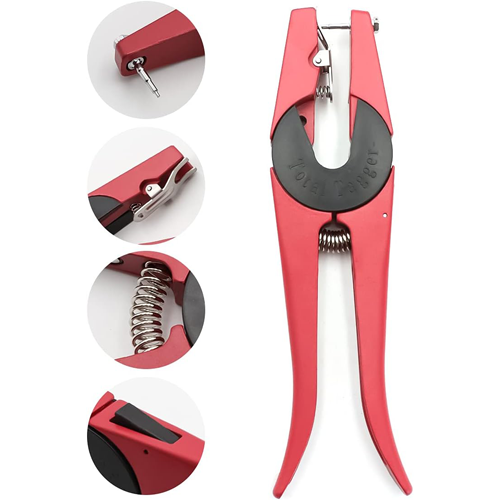 Buy Ear Tag Applicator
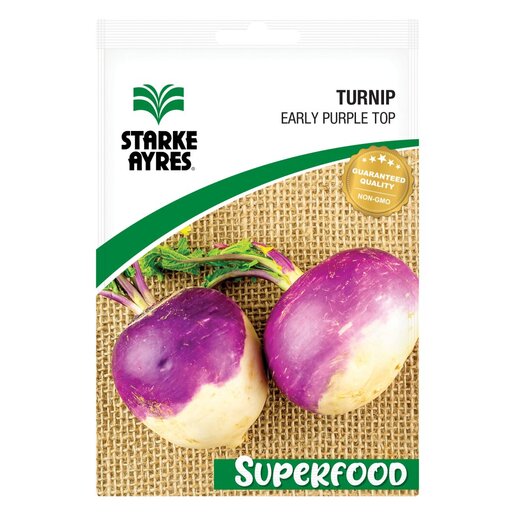 Buy Early Purple Top Turnip Seeds 20g
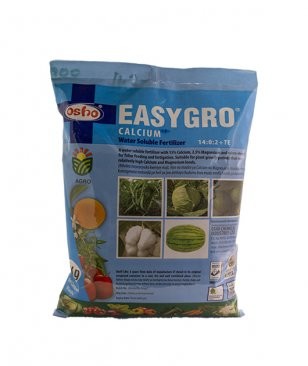 Buy Easygro Calcium Water Soluble Fertilizer 14:0:2+TE
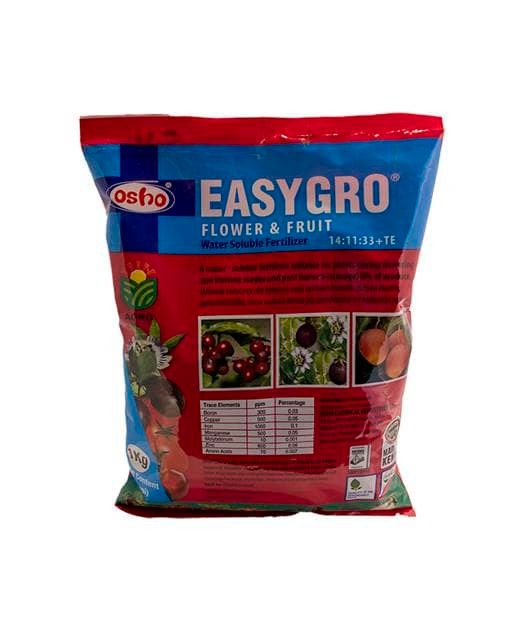 Buy Easygro Fruit & Flower
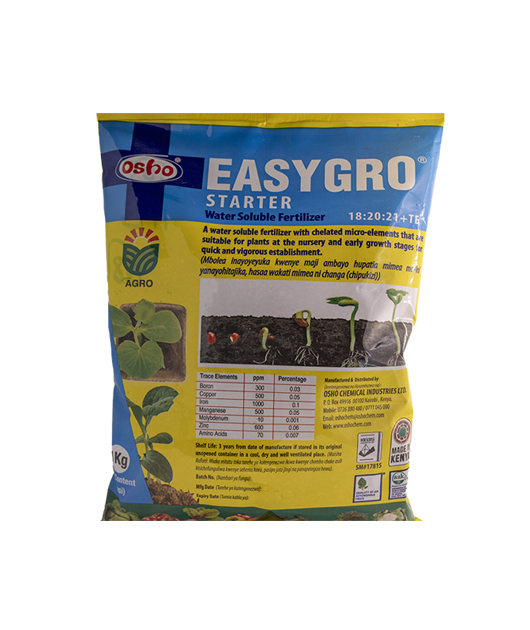 Buy Easygro Starter Fertilizer 1kg
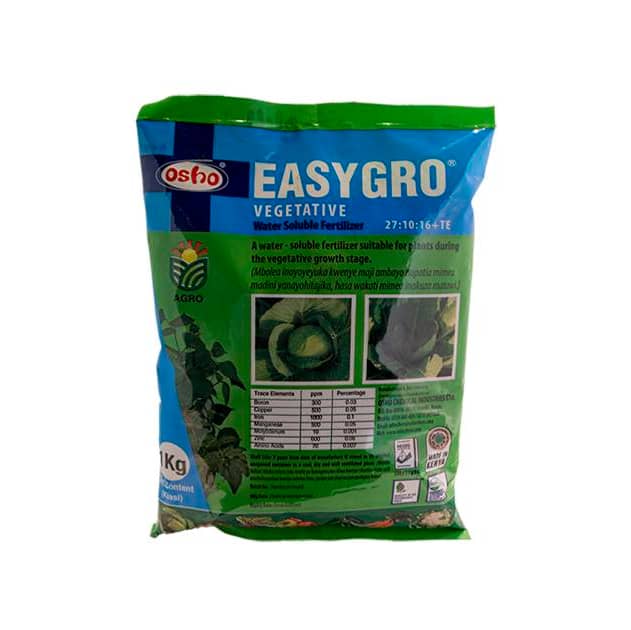 Buy Easygro Vegetative Fertilizer 1kg