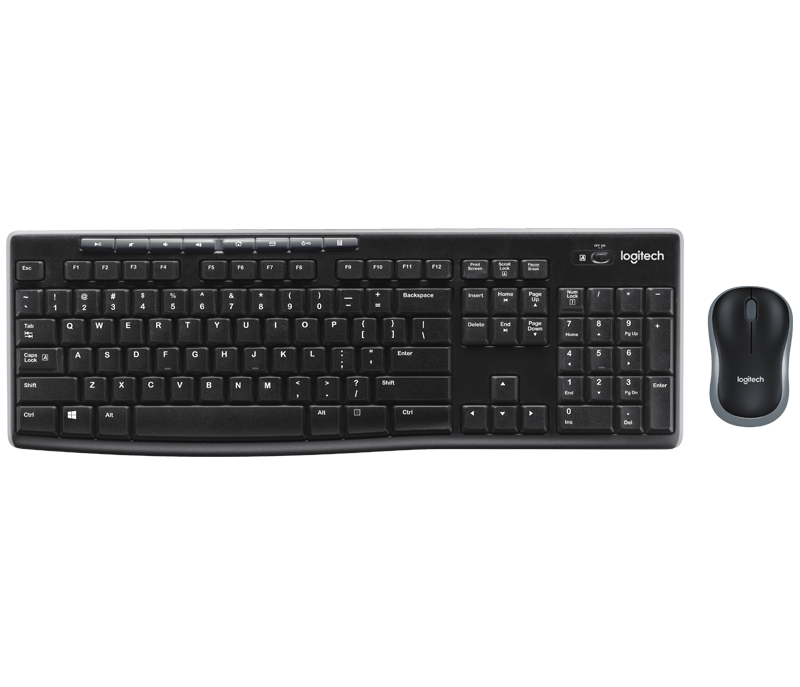
Buy Logitech MK270 Wireless Keyboard and Mouse Combo
M-Pesa checkout · Delivery to all 47 counties · Pickup at Sarit Centre, Nairobi
In stock
Buy Logitech MK270 Wireless Keyboard and Mouse Combo online in Kenya from Stermont Arcade. Pay by M-Pesa and get delivery to all 47 counties.
Order on WhatsAppAdd to Cart / Pay with M-PesaAbout Logitech MK270 Wireless Keyboard and Mouse Combo
Product Overview & Key Benefits
The Logitech MK270 Wireless Keyboard and Mouse Combo is a practical desktop input set for people who want to reduce cable clutter while keeping a familiar full-size keyboard and a separate mouse. It is suited to a home office, school desk, reception counter, small business workstation or shared family computer. The Kenyan supplier listing identifies the exact MK270 model and gives a 10-metre wireless range, Windows 10 and Windows 11 or later compatibility, a USB receiver and AAA-battery power. Those details make it easier to check whether the combo suits an existing computer before ordering. The main benefit is having the two everyday input devices supplied as one matched wireless set. Instead of buying a keyboard and mouse separately, the buyer can set up a single workstation with one compact USB receiver. SPECIFICATIONS
- Model: Logitech MK270 wireless keyboard and mouse combo.
- Wireless connection: 2.4 GHz using one USB receiver.
- Stated range: up to 10 metres, subject to the environment.
- Keyboard: full-size layout with numeric keypad and media controls.
- Compatibility: supplier lists Windows 10 and Windows 11 or later.
- Batteries: supplier pack information lists 2 AAA cells for the keyboard and 1 AA cell for the mouse.
- Pack: keyboard, mouse and USB receiver; check retail box for included documentation.
Where & How to Use in Kenya
For a home or office desktop, connect the supplied receiver to an available USB port, place the keyboard on a stable surface and position the mouse beside it. Allow the computer to recognise the wireless devices before beginning normal work. The receiver is designed to be small enough to stay in the computer, which can be convenient for a fixed workstation.
If the receiver is removed for travel or storage, keep it with the keyboard and mouse so the set remains together. The stated 10-metre range is a supplier specification, not a promise that every desk will achieve that distance.
Buying & Pack-Size Guide
FAQS
Q: Does the Logitech MK270 include both a keyboard and a mouse? Yes. The exact product listing describes the MK270 as a wireless keyboard and mouse combo.
Check the retail package on delivery to confirm that both devices and their receiver are present.
Q: What is the stated wireless range? The supplier lists a range of up to 10 metres for the 2.4 GHz wireless connection. Actual performance can vary with obstacles, interference, receiver placement and battery condition.
Q: Which computers are listed as compatible? The supplier lists Windows 10 and Windows 11 or later. Buyers using another operating system, a television or a tablet should confirm compatibility for that specific device before ordering.
Q: Does it connect by Bluetooth? The supplier identifies a 2.4 GHz wireless connection using a USB receiver. It should not be treated as a Bluetooth-only keyboard set.
Check that the computer has a suitable USB port or compatible adapter.
Delivery across Kenya & Nairobi Pickup
Order through Stermont Arcade using the product listing and available checkout options. M-Pesa checkout is available on the website.
How to use
For a home or office desktop, connect the supplied receiver to an available USB port, place the keyboard on a stable surface and position the mouse beside it. Allow the computer to recognise the wireless devices before beginning normal work. The receiver is designed to be small enough to stay in the computer, which can be convenient for a fixed workstation.
If the receiver is removed for travel or storage, keep it with the keyboard and mouse so the set remains together. The stated 10-metre range is a supplier specification, not a promise that every desk will achieve that distance. Walls, metal furniture, crowded wireless environments, computer placement and battery condition can affect the practical experience.
For the most dependable response, keep the receiver reasonably close to the keyboard and mouse and avoid placing it behind large metal objects. A short USB extension can sometimes help reposition a receiver, but it is not included as a stated part of this product. The combo can be useful for typing reports, spreadsheets, school assignments, email, point-of-sale administration and routine browsing.
Before you start
SAFETY
Keep the keyboard, mouse and USB receiver dry and away from spills. Do not place drinks above the keyboard, pull the receiver by force or expose the devices to excessive heat. Clean the outer surfaces with a soft, lightly damp cloth only when disconnected, and do not spray liquid directly into keys or openings.
Follow Logitech's battery instructions when replacing AAA cells. Observe polarity markings, do not mix old and new batteries, and remove batteries if the set will be stored unused for a long period. Keep small batteries and the USB receiver away from young children.
Store the receiver in a labelled pouch or a safe compartment when it is not plugged into the computer.
Product Uses & Practical Buying Guide
Check the product details, exact model or size and the manufacturer's instructions before use. Confirm that it suits your intended setup and any accessories or compatibility requirements. Ask us on WhatsApp if you need help checking a detail.
Product Price, M-Pesa Checkout & Ordering in Kenya
Logitech MK270 Wireless Keyboard and Mouse Combo costs KSh 3,300 / 1 keyboard + 1 mouse at Stermont Arcade and is in stock. Add it to your cart, pay by M-Pesa and enter the M-Pesa code from your SMS, or order on WhatsApp. Buying in bulk? Message us for a quote.
Delivery to Nairobi & All 47 Counties
Orders to Nairobi usually arrive the same day or the next day, and the other counties usually within 1 to 3 days. We confirm the delivery fee for your location before you pay. Prefer store pickup? Collect at The Sarit Centre, Karuna Road, Westlands, available for confirmed orders by appointment; contact us before visiting. See shipping and Nairobi delivery and pickup.
Buy Logitech MK270 Wireless Keyboard and Mouse Combo in Nairobi, Kiambu, Nakuru, Kisumu, Eldoret & Mombasa
Stermont Arcade delivers to Nairobi, Kiambu, Nakuru, Kisumu, Eldoret, Mombasa and every other county in Kenya. Nairobi orders usually arrive the same day or the next day, and other counties usually within 1 to 3 days.
How to order
- Add the product to your cart, or message us on WhatsApp.
- Pay by M-Pesa and enter the M-Pesa code from your SMS.
- We confirm the delivery fee for your town before you pay, then dispatch your order.
Call +254 748 888 230 or order on WhatsApp.
Frequently asked questions
How can I buy Logitech MK270 Wireless Keyboard and Mouse Combo in Kenya?
Order Logitech MK270 Wireless Keyboard and Mouse Combo online at Stermont Arcade, pay by M-Pesa and get delivery to all 47 counties in Kenya. You can also order on WhatsApp.
Do you deliver Logitech MK270 Wireless Keyboard and Mouse Combo outside Nairobi?
Yes. We deliver to Nairobi, Kiambu, Nakuru, Kisumu, Eldoret, Mombasa and all 47 counties, usually within 1 to 3 days. We confirm the delivery fee before you pay.
What is the price of Logitech MK270 Wireless Keyboard and Mouse Combo?
Logitech MK270 Wireless Keyboard and Mouse Combo costs KSh 3,300 at Stermont Arcade. Check the product price above for the size you want.
Can I pick up Logitech MK270 Wireless Keyboard and Mouse Combo in Nairobi?
Yes. Collect at The Sarit Centre, Karuna Road, Westlands, open daily 8 AM to 8 PM. Confirm stock on WhatsApp first.
Computer specifications to confirm
For Logitech MK270 Wireless Keyboard and Mouse Combo, compare the processor, memory, storage, screen size and condition only where those details are stated.
- Match the model number and listed processor, RAM and storage to your intended use.
- Confirm screen size, keyboard layout, operating system and included charger or accessories where specified.
- Ask for written confirmation of condition and warranty terms if they are not clearly stated.
If a specification is missing, ask Stermont Arcade on WhatsApp before placing your order.
Explore Computing and related buying guides
Browse the main category, compare related products and read practical guides before choosing.
Shop the main category
Related categories
Related products
Helpful guides
More from Stermont Arcade
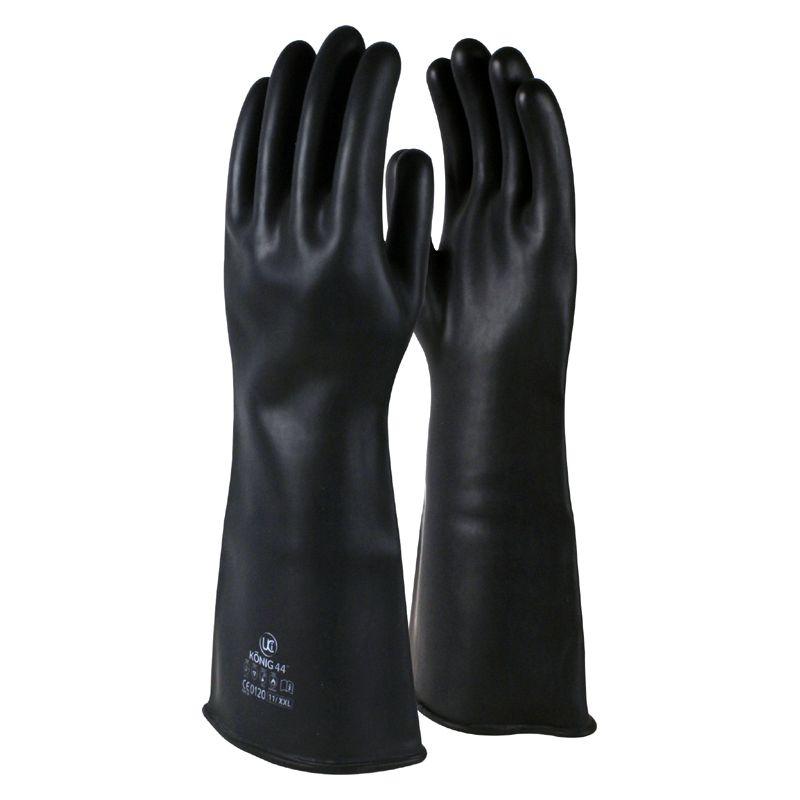 Buy Long-Cuff Industrial Rubber Safety GlovesKSh 750
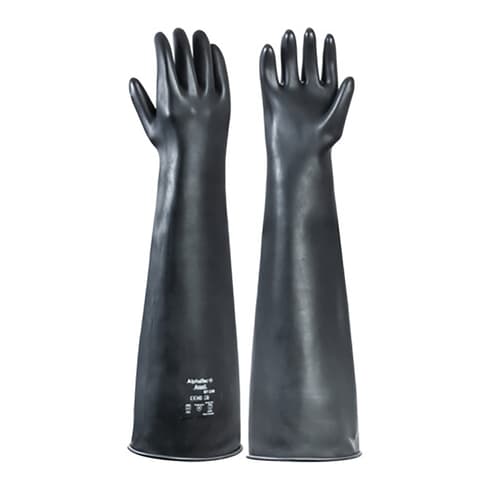 Buy Long Heavy-Duty Chemical-Resistant Rubber GlovesKSh 1,150
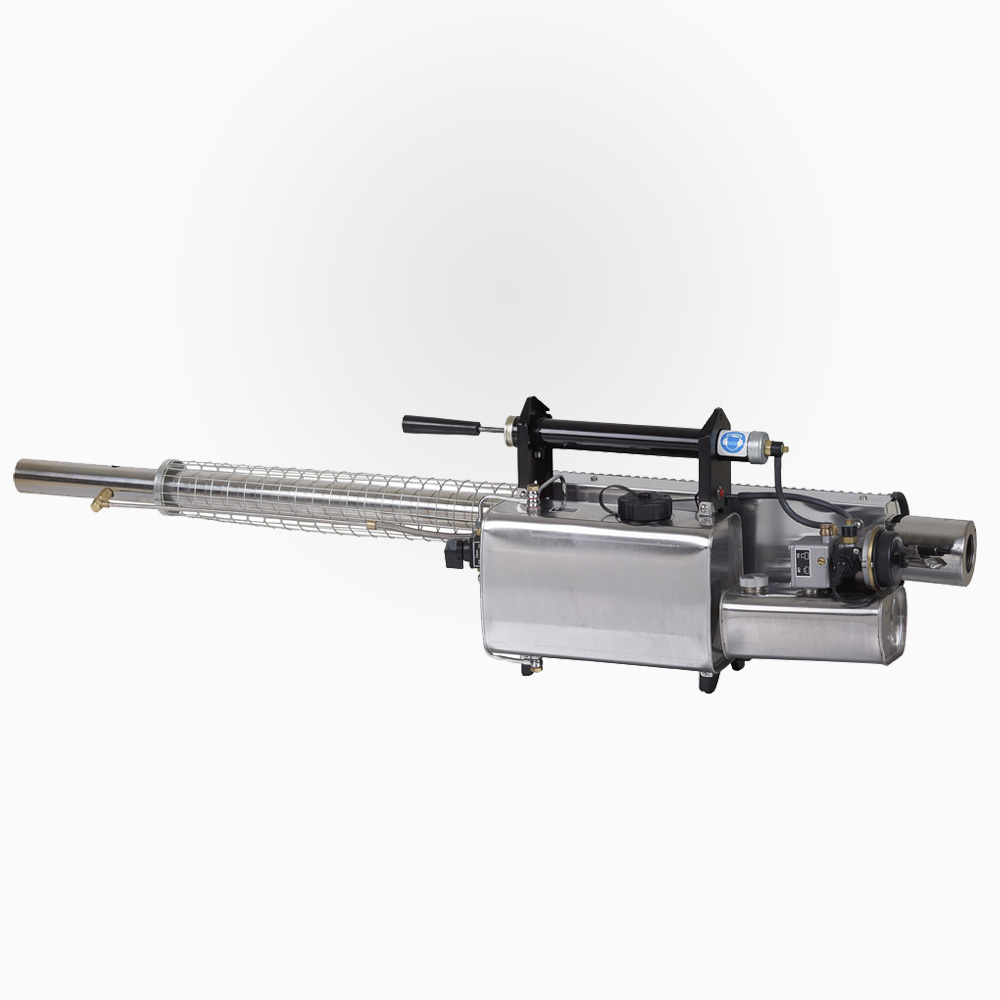 Buy Longray TS-35A Portable Thermal FoggerKSh 113,500
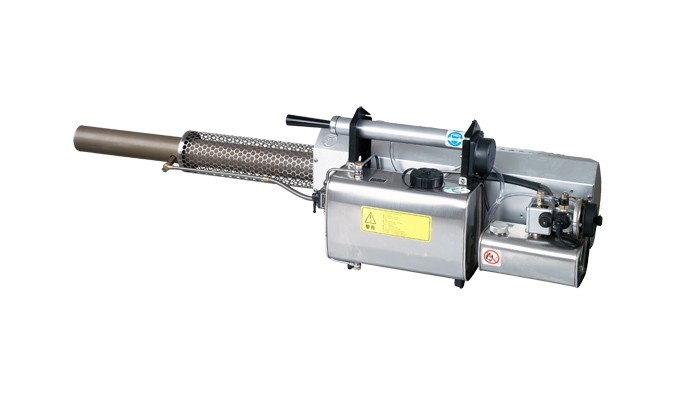 Buy Longray TS-75L High Output Thermal FoggerKSh 185,000
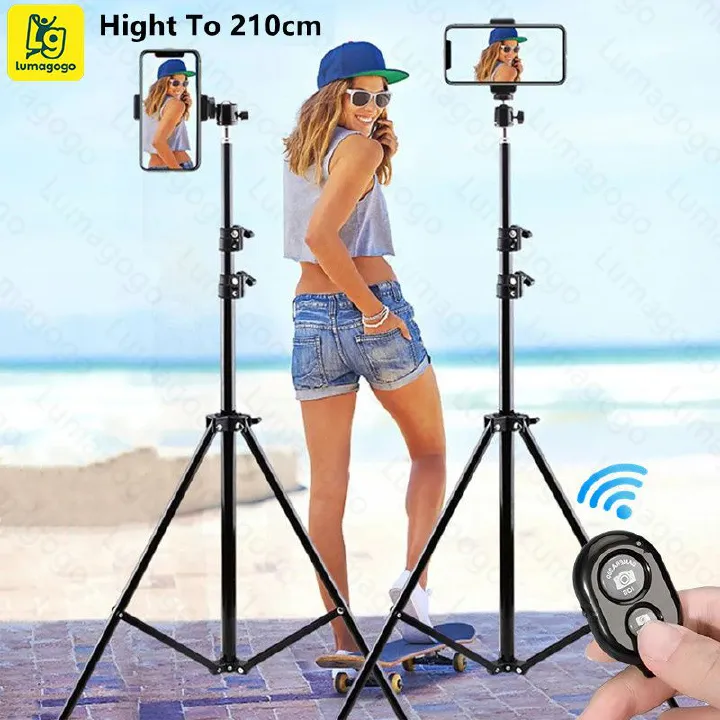 Buy Lumagogo 210cm Adjustable Phone Tripod StandKSh 750
 Buy Lumax 537.5 SE HerbicideKSh 47,060